Gameplay
GTA 6 HUD, Phone Apps & Controls
GTA 6's HUD and controls: mini-map, compass and no-map options, heat icons, money display, weapon and item wheels, toggle sprint, L2 interactions, holding hands, and phone apps like Snapmatic and Scooter Bros.
Updated November 8, 2026
GTA 6's HUD is deliberately minimal, but it carries more information than GTA 5's. Here's what you'll see and how to drive it.
HUD elements
| Element | Location | What it shows |
|---|---|---|
| Wanted stars | Top | Up to six; colour shows police status |
| Heat icons | Under the stars | CCTV, clothes, vehicle, face, number of suspects, weapon |
| Bank & cash | Top corner | Purple = bank, green = cash on hand |
| Criminal profile | Small emoji-style icons | Your current level |
| Health & stamina | With the map | Two-layer health, stamina |
| Mini-map | Bottom corner | Classic map, compass, or off |
| Race HUD | Centre/top | Lap, timer, position in circuit races |
Mini-map options
- Classic mini-map, always on.
- Compass only, for a cleaner screen.
- Off entirely.
Police aren't shown as mini-map dots. Use screen-edge warnings and focus to spot them.
Wheels
- Weapon wheel — the weapons you're carrying (2 long + 2 short).
- Item wheel — body armour, health items and other consumables.
Controls (PlayStation)
| Action | Input |
|---|---|
| Sprint (toggle) | L3 (click left stick) |
| Interact / focus on a person or animal | Hold L2 |
| Study (animals) | R1 while focused |
| Hold hands with your partner | R2 while walking together |
| Workouts | Trigger presses |
| Focus (bullet time) | Combat ability |
On Xbox, L2 → LT, R1 → RB, R2 → RT, L3 → LS.
Toggle sprint
GTA 6 drops the series' hold-to-run, tap-to-sprint default in favour of clicking L3 to toggle sprint, like most modern shooters. Tapping saved effort for short dashes but wore out thumbs on long runs. Expect a controls option to restore tapping for players who prefer it.
Phone apps
| App | What it does |
|---|---|
| Banking app | Check balance, move money (or use ATMs) |
| Snapmatic | Social media / photos |
| Scooter Bros | Deliver your vehicle to you for a small fee |
| Car-theft scanner app | Lists vehicles fences want, with security and tracker info |
| Radio / podcasts | Listen on foot with earbuds |
Expect more: contacts, maps and GPS, and Leonida's version of the internet.
Keep reading
 Launch
GTA 6 Platforms: PS5, PS5 Pro, Xbox & PC
GTA 6 platforms and performance explained: PS5 and Xbox Series X|S at launch, what PS5 Pro Enhanced means, 30 FPS and resolution, DualSense features, and when the PC version is expected.
Read more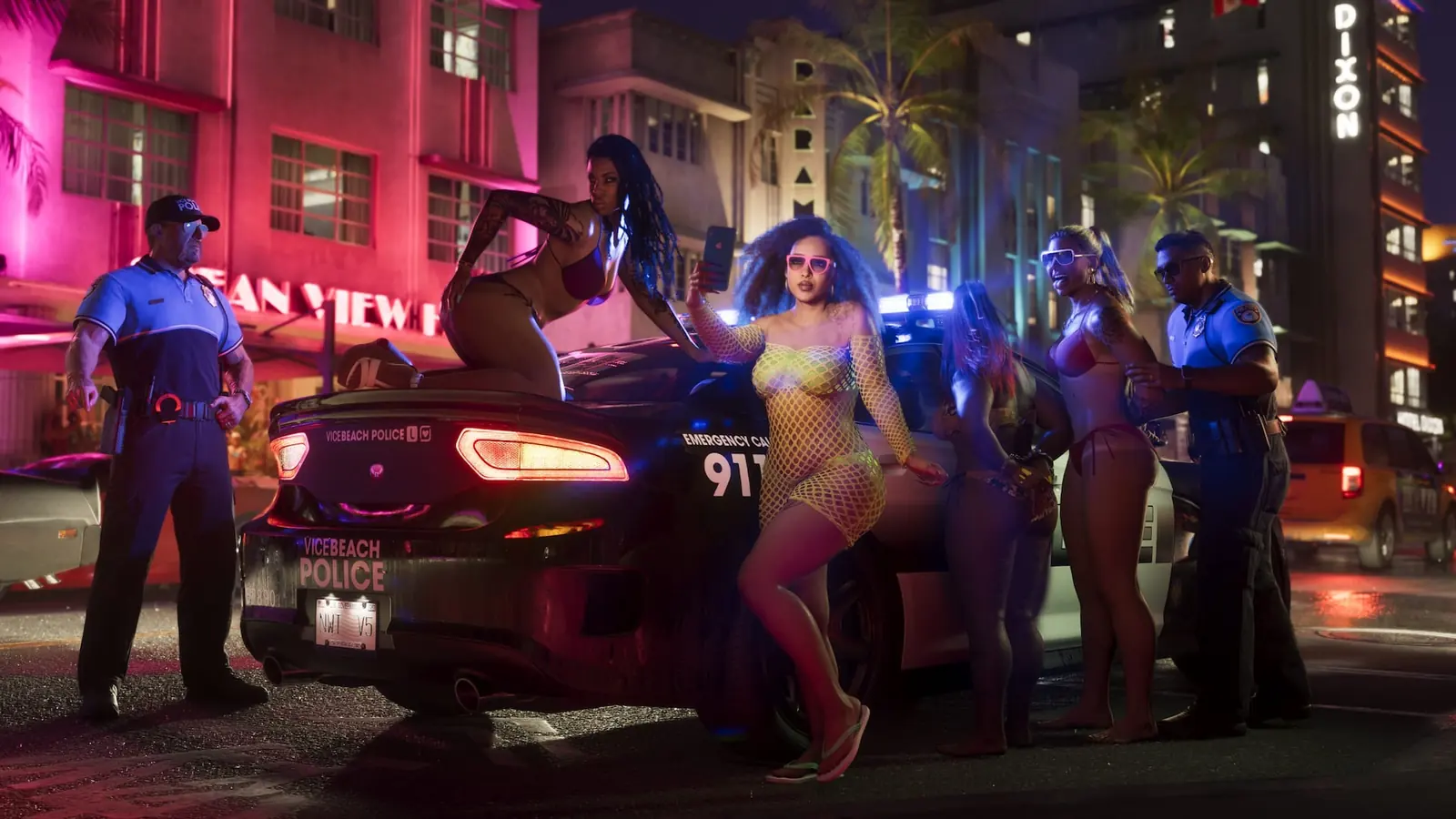 Gameplay
GTA 6 Wanted System: 6 Stars, Star Colours & Heat Icons
GTA 6's wanted levels explained: what each of the six stars brings, white/grey/red/hollow star colours, the six heat icons (CCTV, clothes, vehicle, face, accomplice, weapon), regional police and bounties.
Read more Music
GTA 6 Soundtrack, Radio Stations & Justice Score
GTA 6 music guide: radio stations and DJs, GTA VI: The Album (34 tracks, Nov 19) with Yung Lean, Travis Scott, Cardi B and more, the Justice adaptive score (Dec 11), headphones, podcasts and trailer songs.
Read more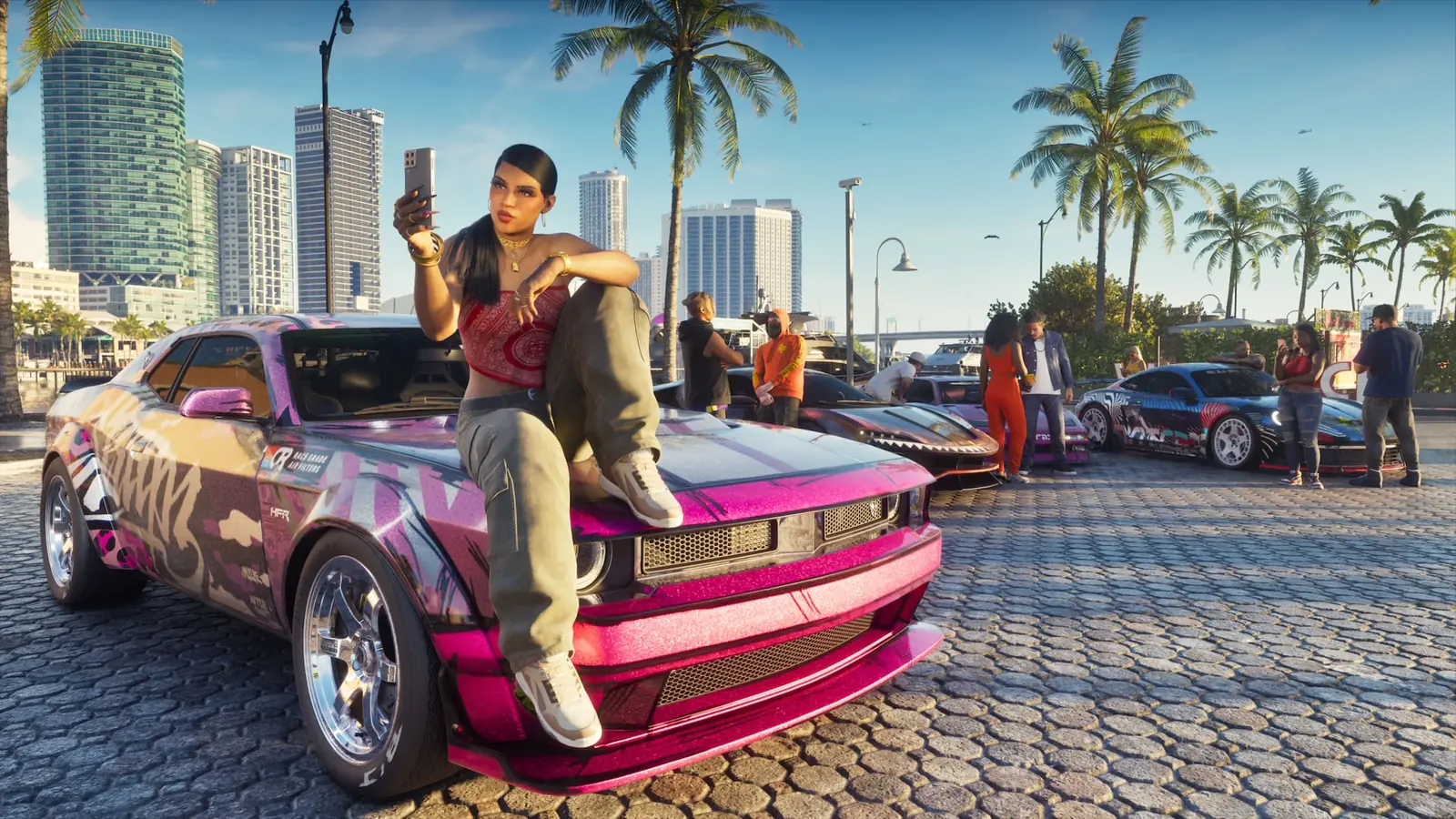 Gameplay
GTA 6 Vehicles, Car Theft, Fuel & Handling
Everything about cars in GTA 6: stealing with slim jims, smashed windows and key cloners, trackers, the car-scanner app and fences, fuel and engine health, Scooter Bros delivery, registration, handling and known vehicles.
Read more